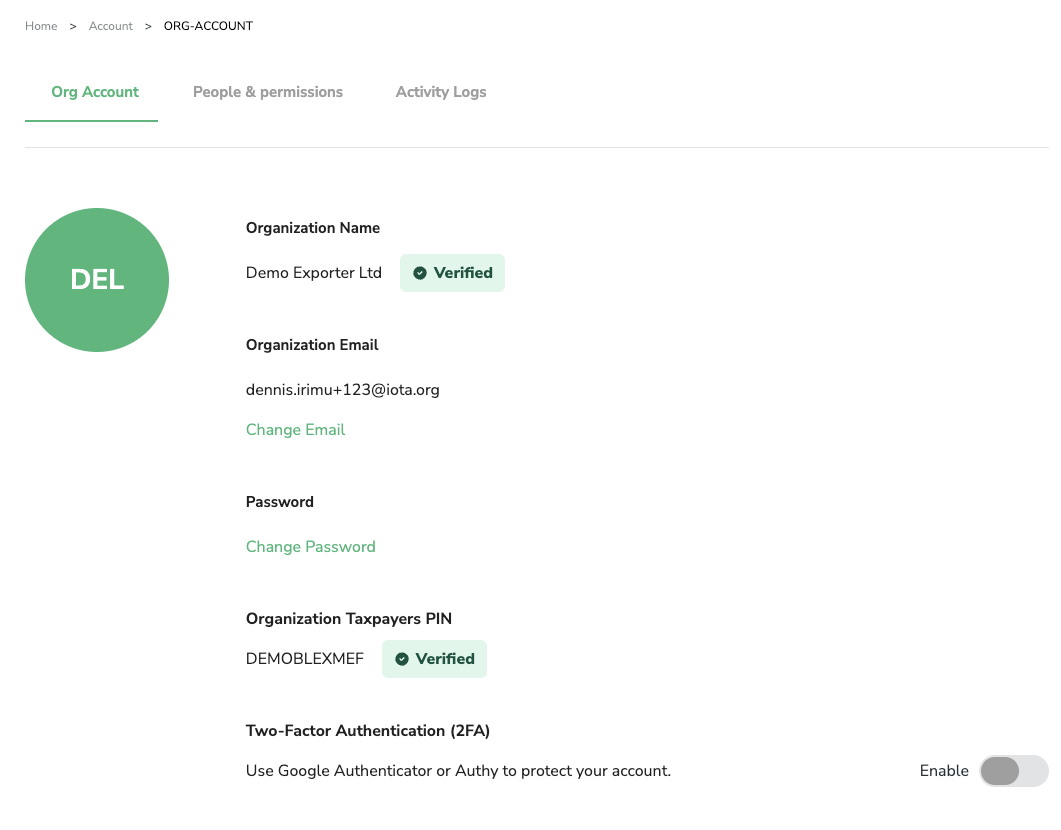
Verify your organisation
If you're a registered Kenyan organisation, you need to verify your account before receiving government data. Verification uses the KRA iTax system and your Business Registration Number (BRN).
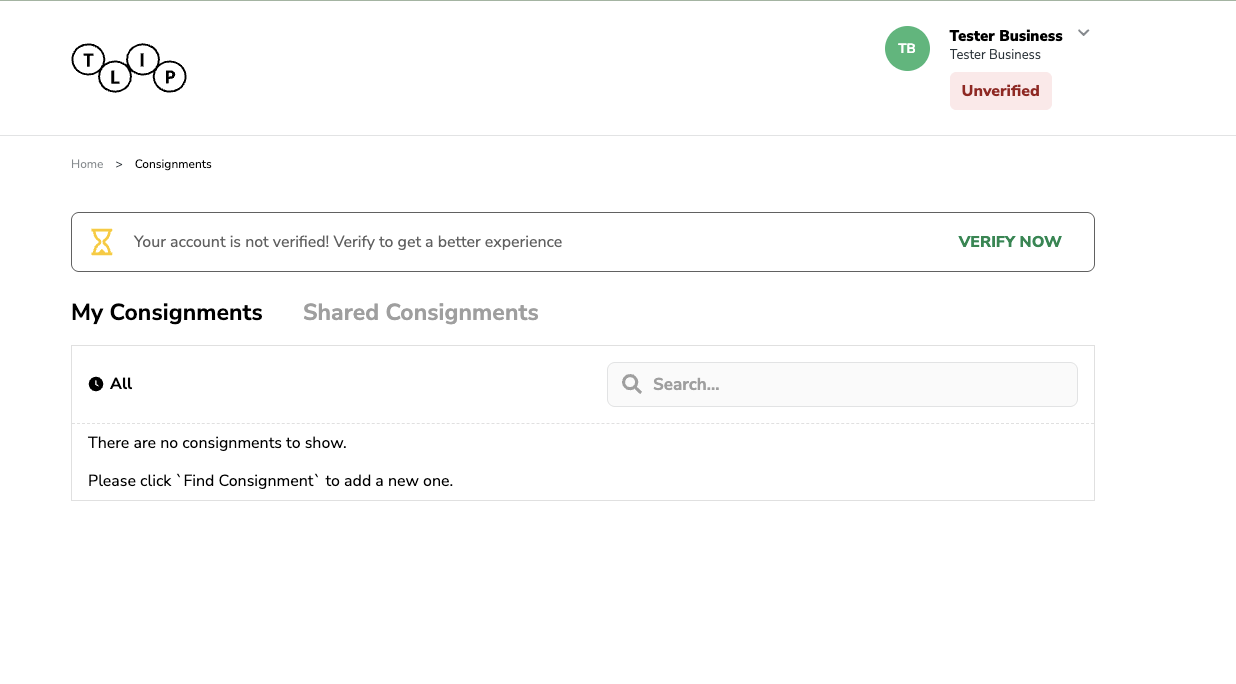
On the organisation dashboard, click Verify Now.
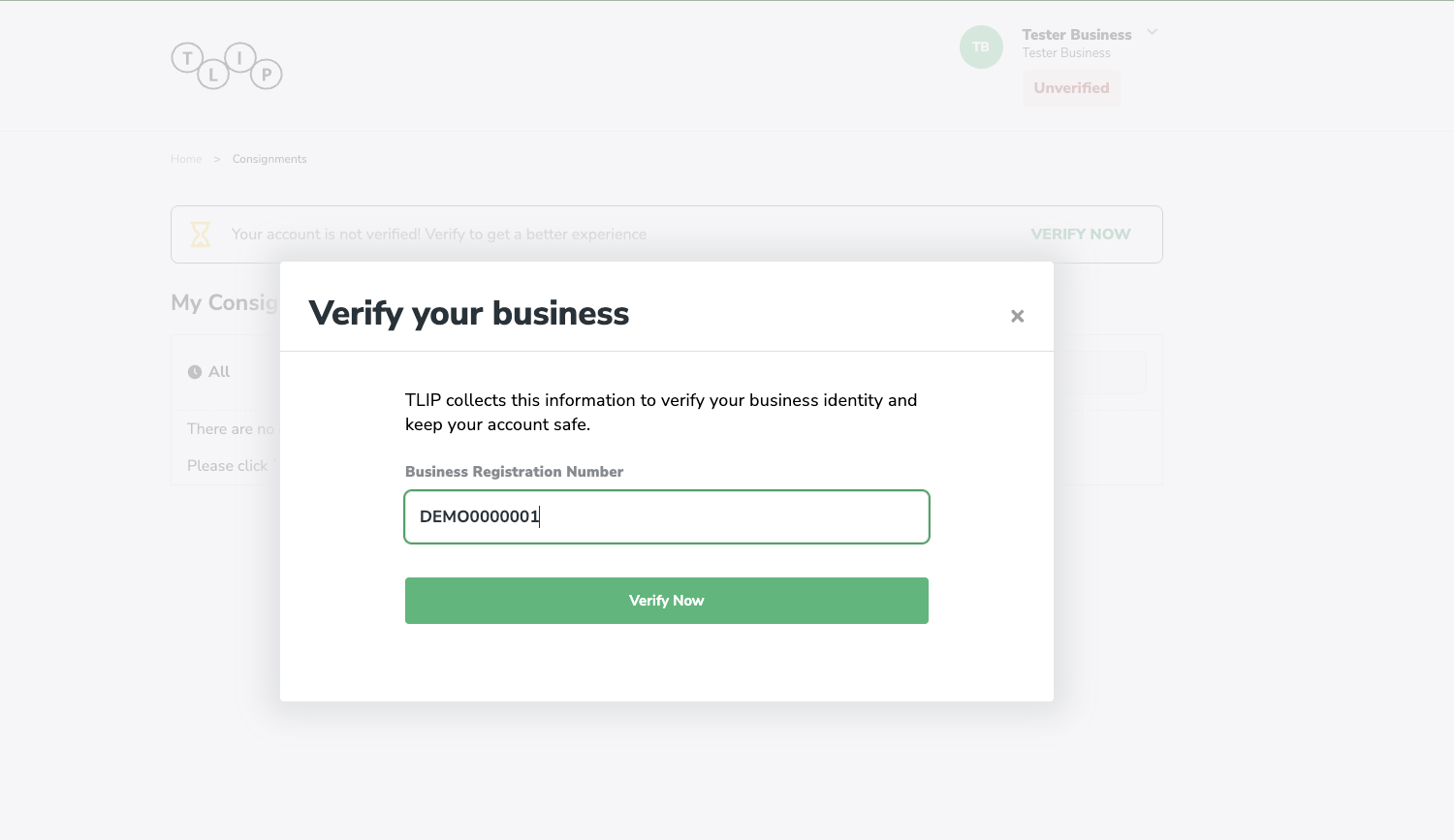
Add your Business Registration Number (BRN)
Enter your organisation's Business Registration Number and click Submit.
Verification result
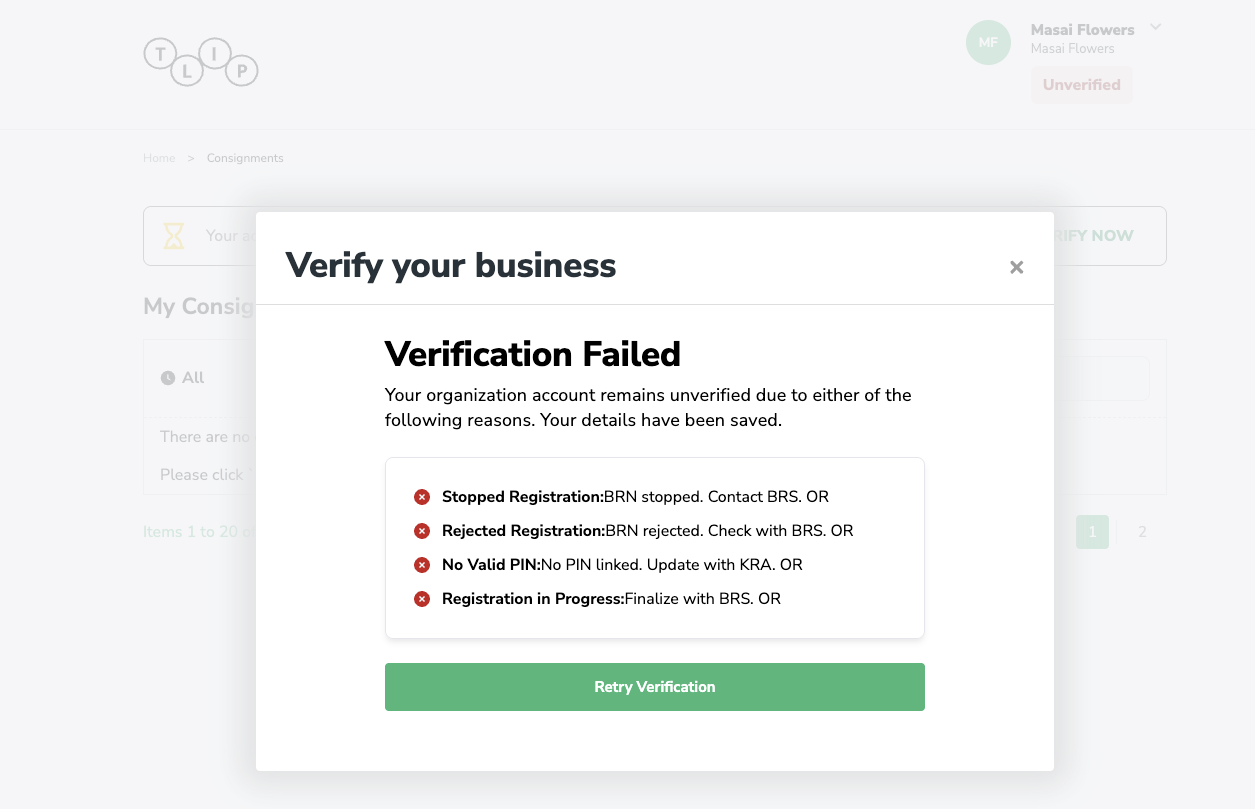
If the BRN is invalid
You will see a failure screen. Click Retry to correct your BRN and try again.
If the BRN is valid
Your BRN is accepted and the system proceeds to the next step.
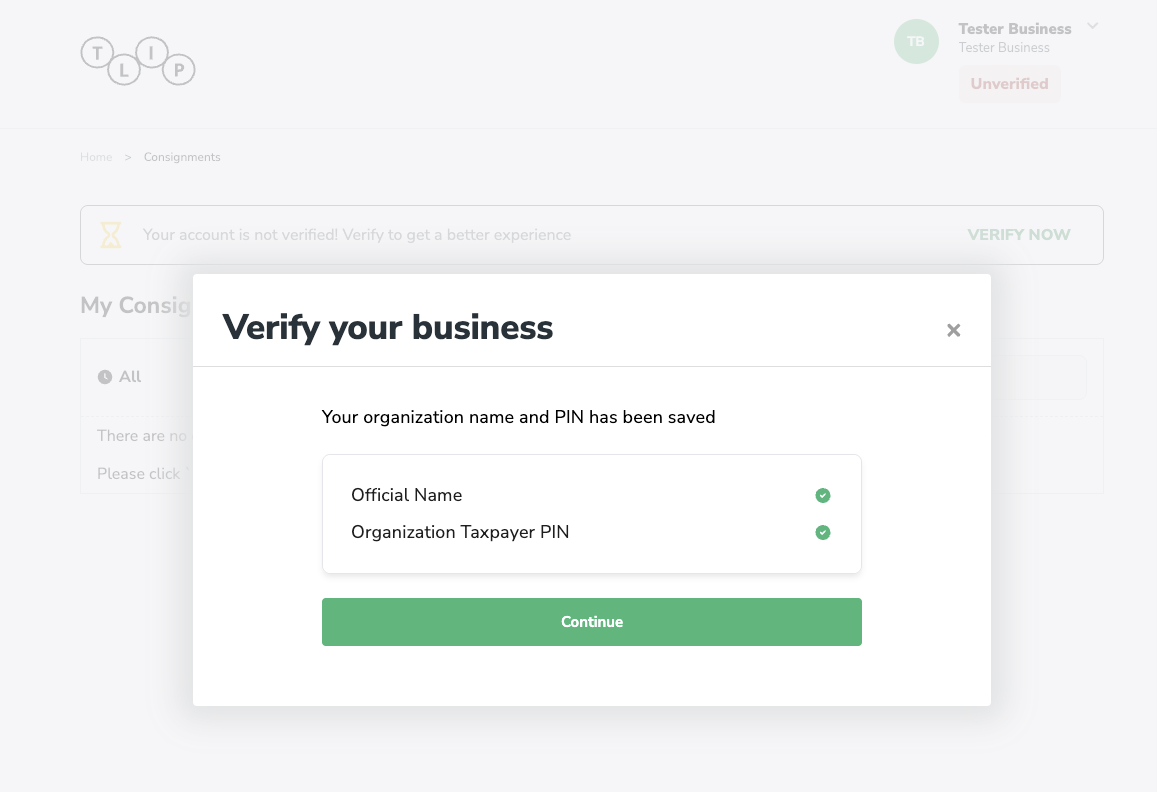
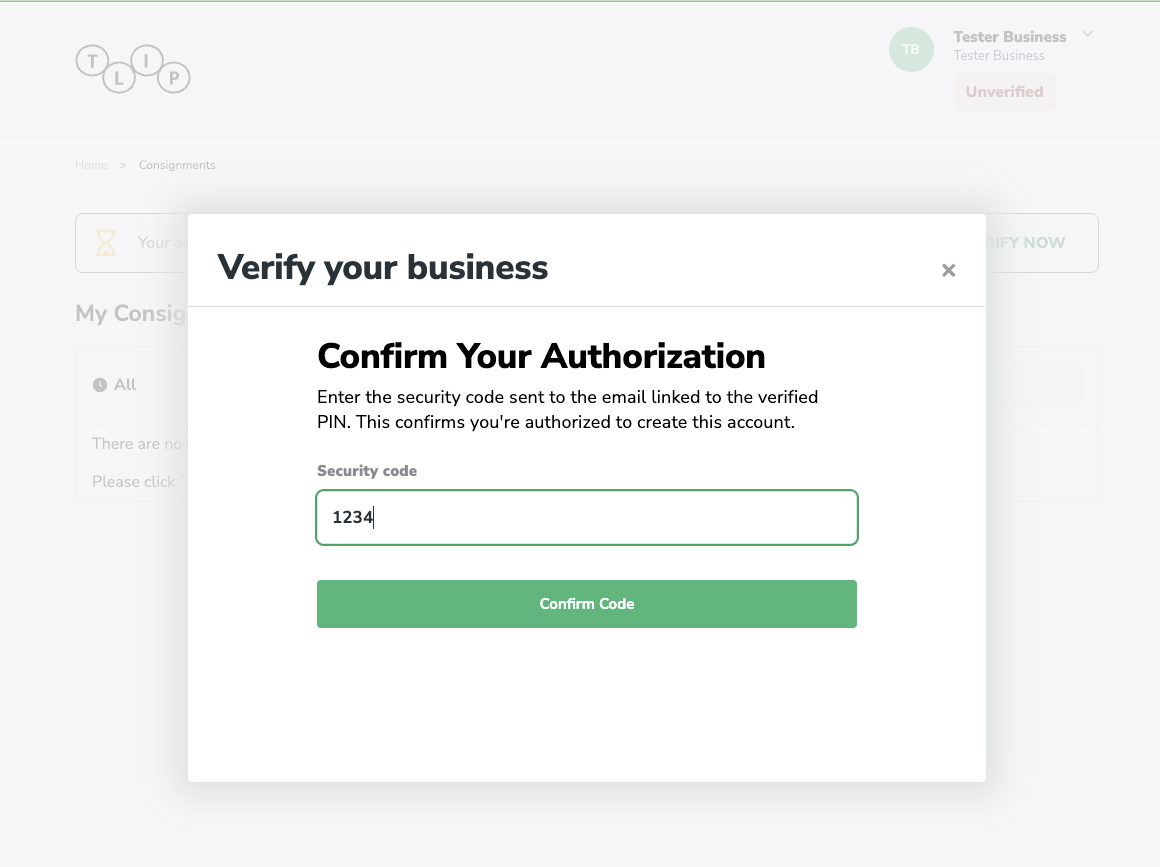
Confirm with OTP
An OTP is sent to the registered company registrar. Enter the OTP on the confirmation page. You have 15 minutes to complete this step.
Verification complete
Once the OTP is accepted, your organisation thumbnail updates to show a verified badge.
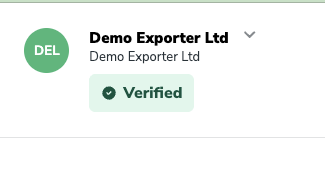
You can now confirm your organisation and access all verified features.